FY-LMM03 Split Desktop Laser Marking Machine
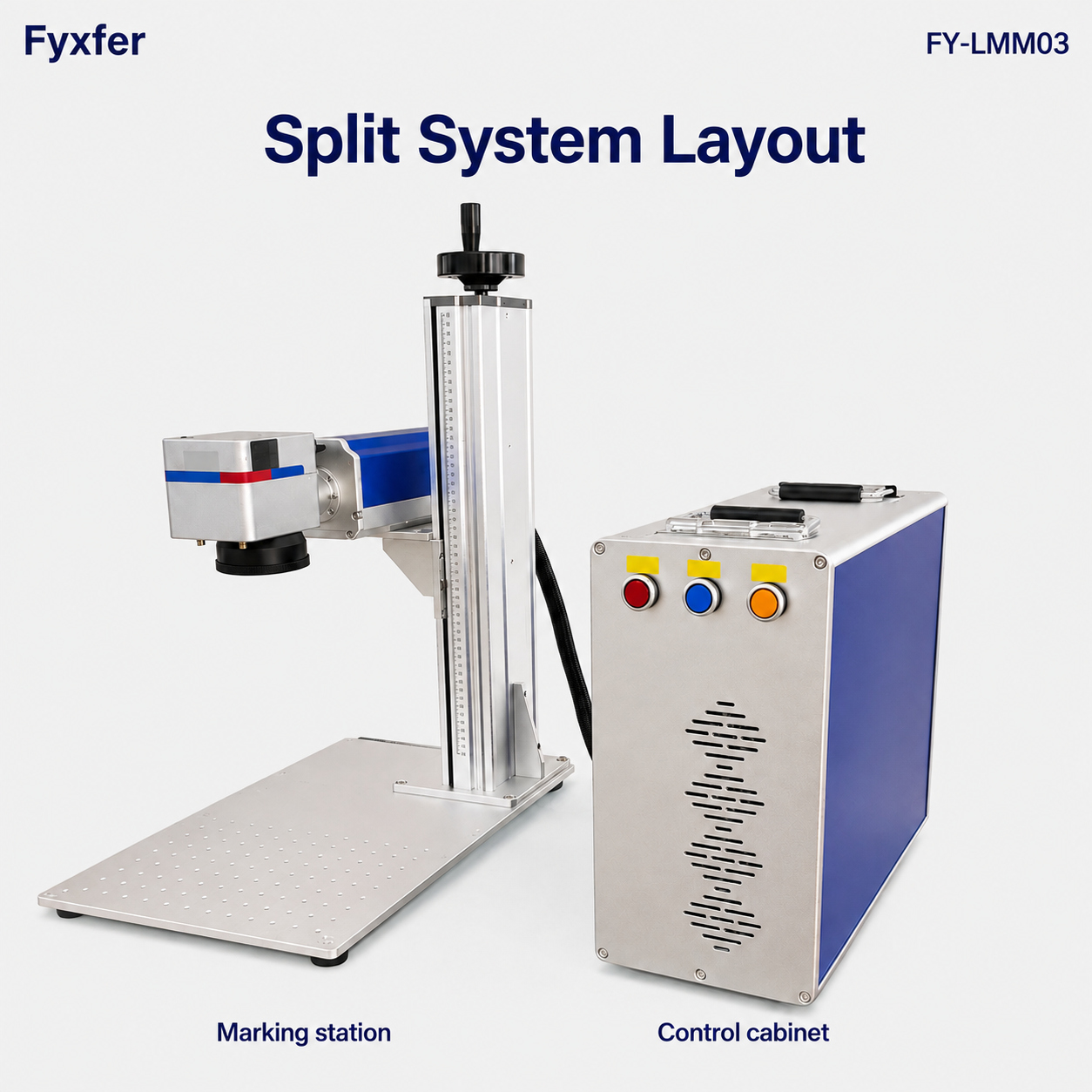
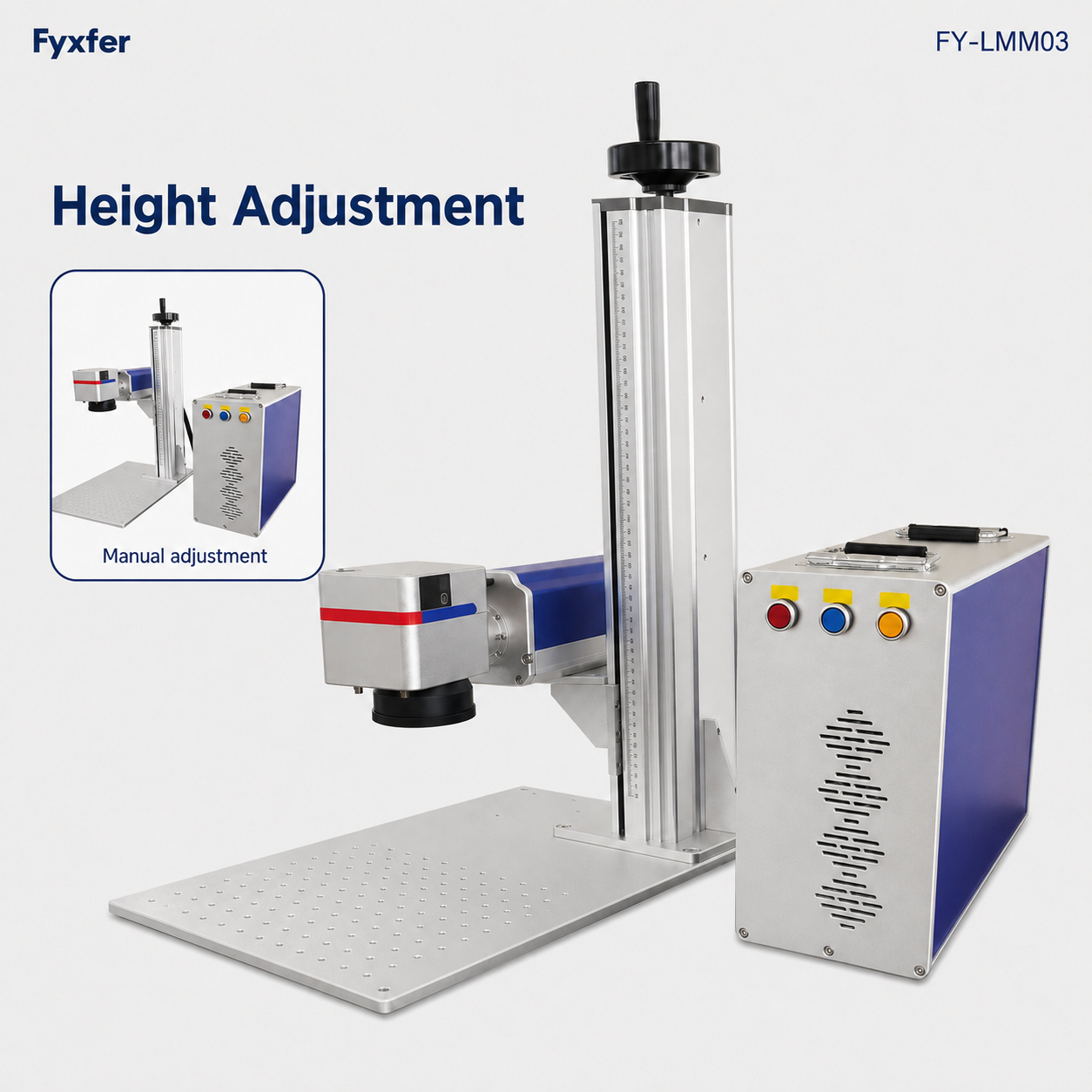
A separate marking stand and control cabinet give FY-LMM03 a flexible bench layout. Set the marking head height manually and choose the laser source, lens and fixtures around your material and required mark.
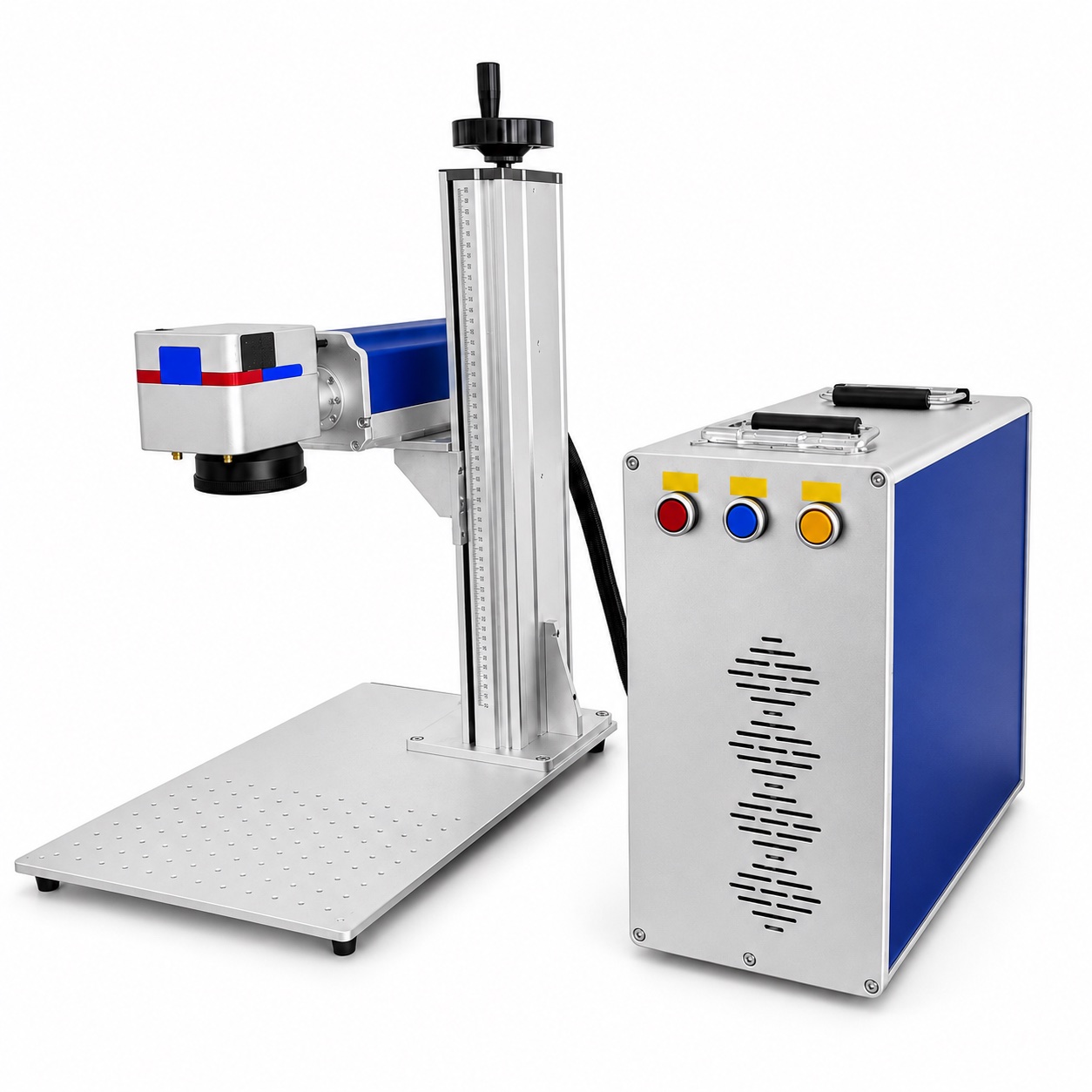
A closer look at FY-LMM03
Explore the split workstation, marking head, control cabinet and height mechanism. The rotary attachment is optional.
A flexible layout for repeatable work
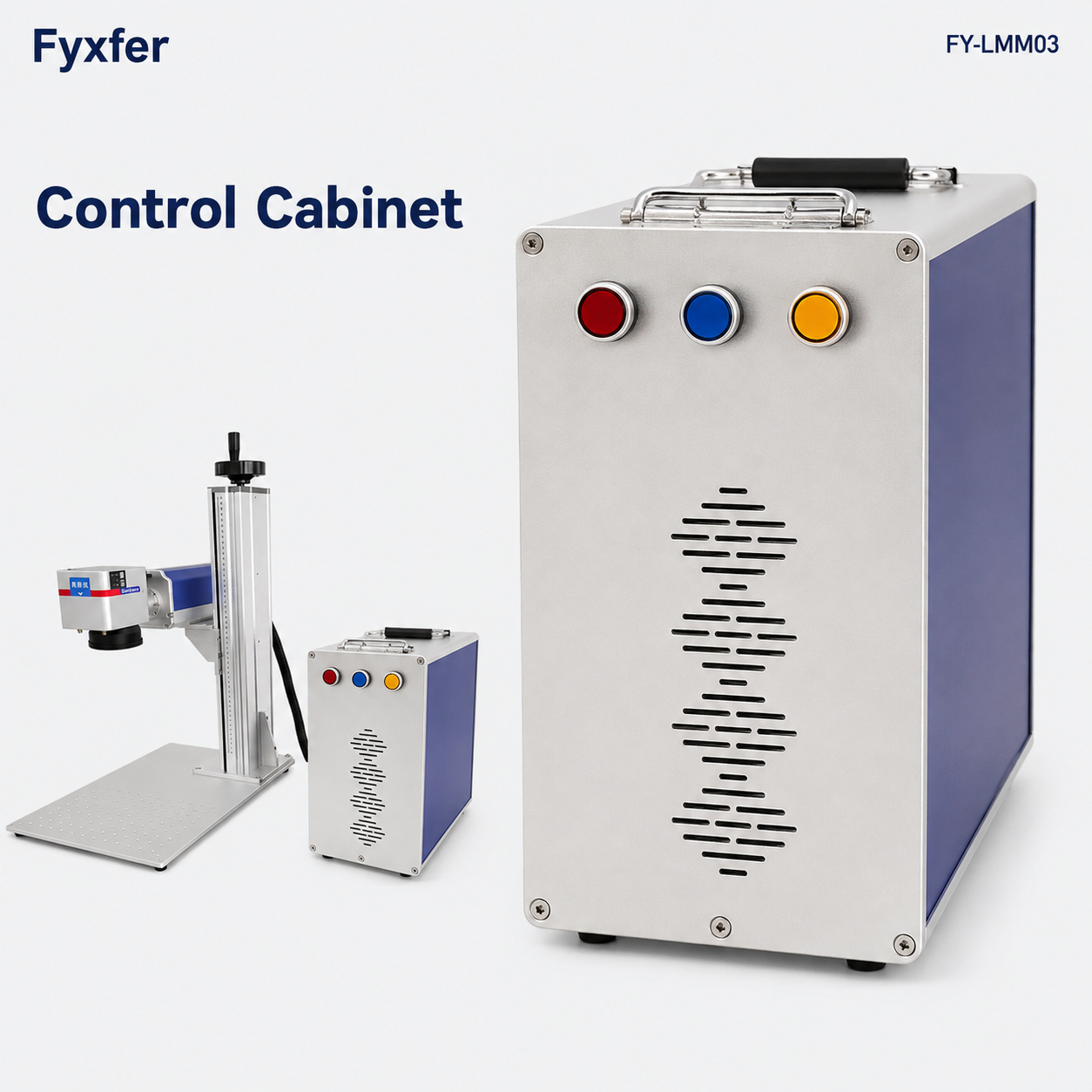
Separate stand and cabinet
Arrange the marking station and control cabinet to suit your bench, with clear access and protected cable routing.
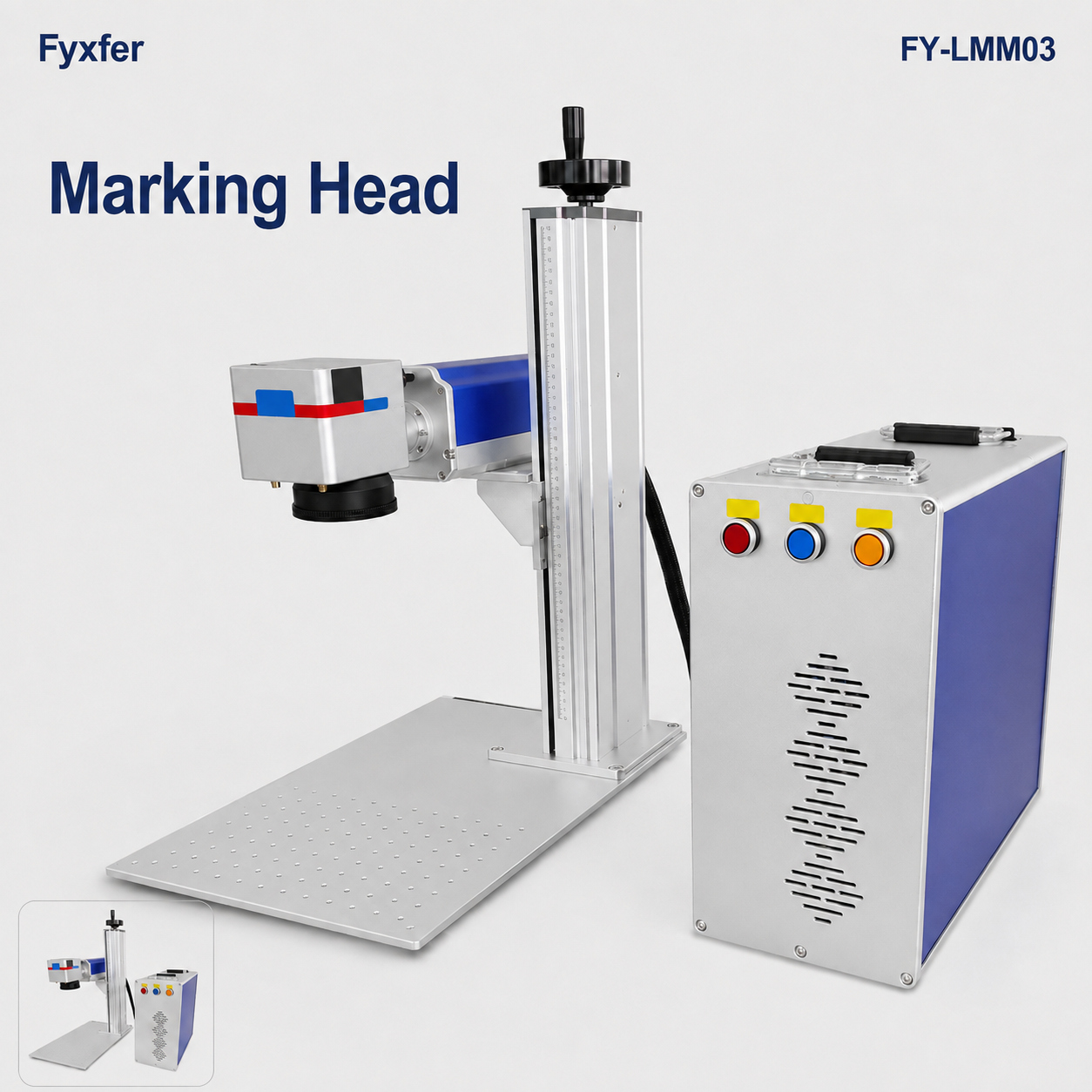
Manual height adjustment
A handwheel and vertical column let the operator set the working distance for the fitted lens and part.
Fixture-ready worktable
The perforated table supports repeatable part positioning with an appropriate fixture.
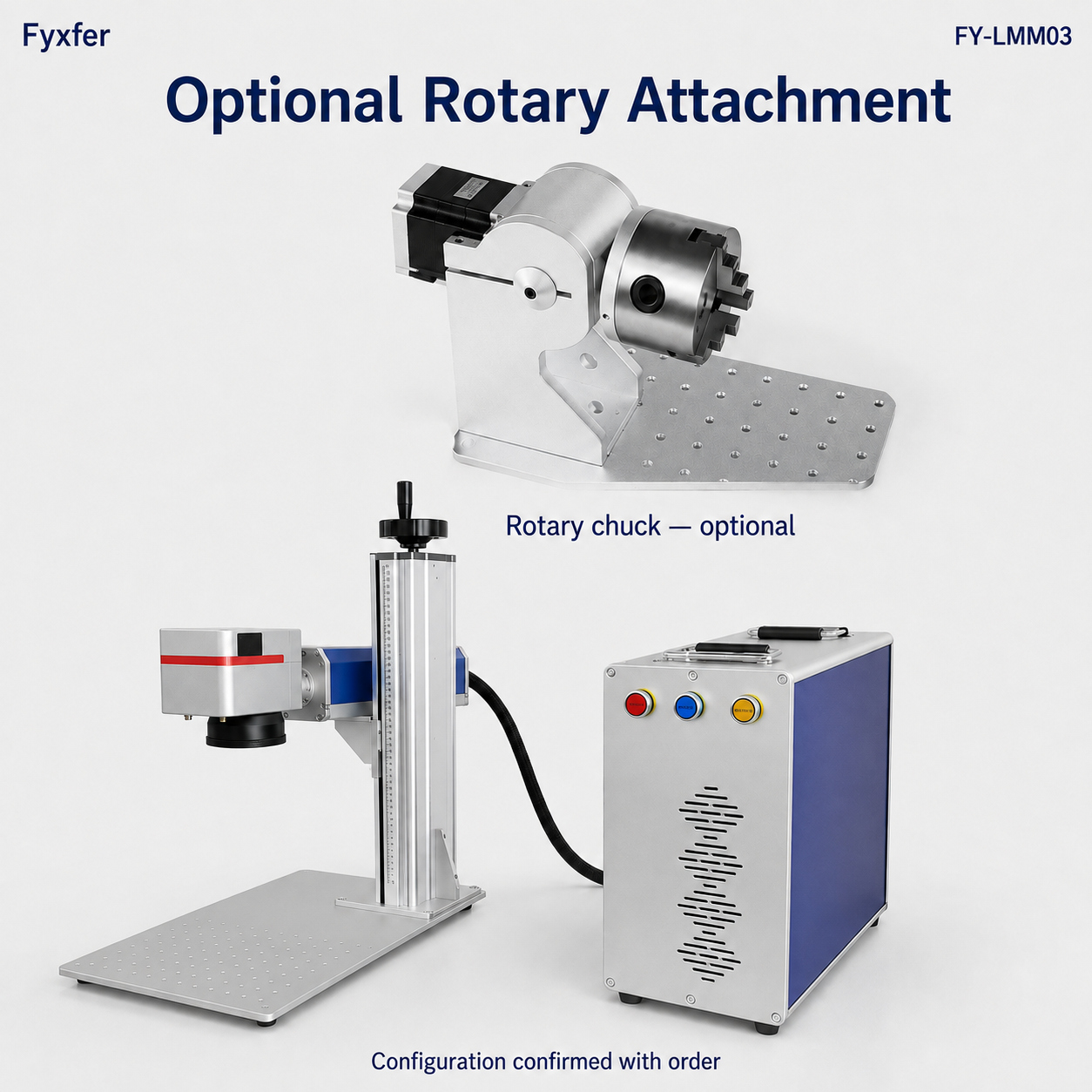
Optional rotary attachment
For suitable cylindrical parts, confirm the chuck range, axis alignment, software support and part clearance.
Where this format fits
Match the workstation to the part and loading method, then verify the marking process on representative material.
Component identification
For suitably sized parts, tags and plates requiring logos, text, serial numbers or machine-readable codes.
Operator-loaded batches
Use a suitable fixture and saved job settings to keep loading, positioning and first-piece checks repeatable.
Cylindrical workpieces
Evaluate the optional rotary attachment for the actual diameter, length, weight and marking position.
FY-LMM03 configuration and specifications
The model identifies the split desktop platform. The supplied laser source, marking field and accessories are selected for the application.
| Item | Configuration / information to confirm |
|---|---|
| Machine format | Split desktop marking stand with a separate control cabinet |
| Height setting shown | Manual handwheel adjustment on the vertical column |
| Part handling | Operator-loaded perforated worktable; suitable fixtures selected for the workpiece |
| Rotary attachment | Optional; confirm chuck range, part clearance, axis alignment and software support |
| Laser source and rated power | Selected for the exact material and target result; confirm the source-specific configuration |
| Lens and marking field | Choose for artwork dimensions, feature size, working distance and fixture clearance |
| Workstation space | Allow room for the stand, cabinet, largest part, cables and operator access |
| Utilities and supply scope | Confirm electrical supply, cooling, extraction, computer, software and accessories |
Approve mark contrast, depth, readability and cycle time on representative parts. The photographed open workstation requires an approved laser-protection arrangement for the installed source and application.
Compare source technologies: Fiber · MOPA · UV. Confirm compatibility and the supplied source with your configuration.
FY-LMM03 selection guide
Use these three checks to prepare a useful configuration request and sample test.
Start with the part
Share the exact material, finish, part dimensions, marking position and artwork.
Define the result
Confirm contrast, depth, mark size and cycle time with representative samples.
Plan the workstation
Check space for both units, cables, fixtures, extraction and the approved laser-protection arrangement.
FY-LMM03 download
Selection & Application Guide
Six concise steps covering selection, installation planning, operation, maintenance, troubleshooting and application tips.
English · PDF · 6 pages. Application guidance; follow the supplied machine manual.FY-LMM03 FAQs
What is the advantage of the split layout?
The marking stand and control cabinet can be positioned separately on the bench. Plan both positions together so the cables remain protected and the operator has clear access.
Does the pictured FY-LMM03 have automatic focus?
The illustrated machine uses manual handwheel height adjustment. Set the working distance using the procedure for the fitted lens and supplied machine.
Is the rotary attachment included?
The rotary attachment is optional. Confirm the workpiece diameter and length, chuck range, clearance and software support when specifying the order.
Can it mark metal and plastic?
Suitability depends on the installed laser source, exact material, coating and required result. Test representative samples before approving the configuration.
What should I send for a configured quote?
Send the material, part dimensions, marking artwork and position, required contrast or depth, target output and available workstation layout.
Configure FY-LMM03 around your part
Share your material, part dimensions, artwork and production target for a source, lens and workstation recommendation.